> ## Documentation Index
> Fetch the complete documentation index at: https://docs.remade.ai/llms.txt
> Use this file to discover all available pages before exploring further.
# Sections
> Learn how to organise your canvas with sections
When you spend hours on a canvas, you should make sure it's beautiful and well organised. You can use sections to organise your content in separate parts of the canvas.
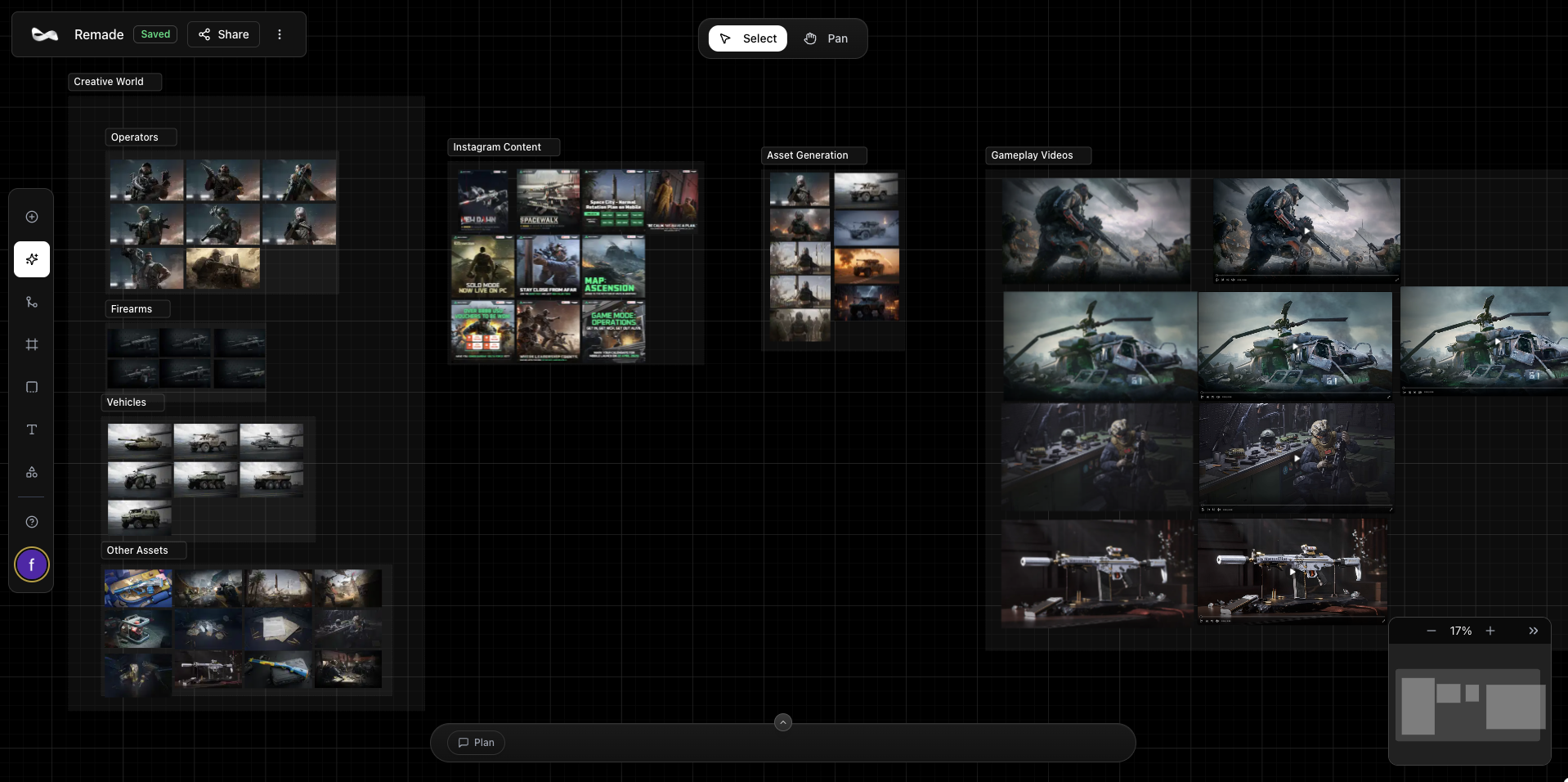 ## Creating a Section
To create a new section on your canvas:
1. **Access the sections tool** - Click on the sections icon in the side toolbar
2. **Draw the section area** - Click and drag to draw the area where you want the section to be added
3. **Organize your content** - Add and remove items to the section by placing them inside it or moving them outside
## Creating a Section
To create a new section on your canvas:
1. **Access the sections tool** - Click on the sections icon in the side toolbar
2. **Draw the section area** - Click and drag to draw the area where you want the section to be added
3. **Organize your content** - Add and remove items to the section by placing them inside it or moving them outside